App functions
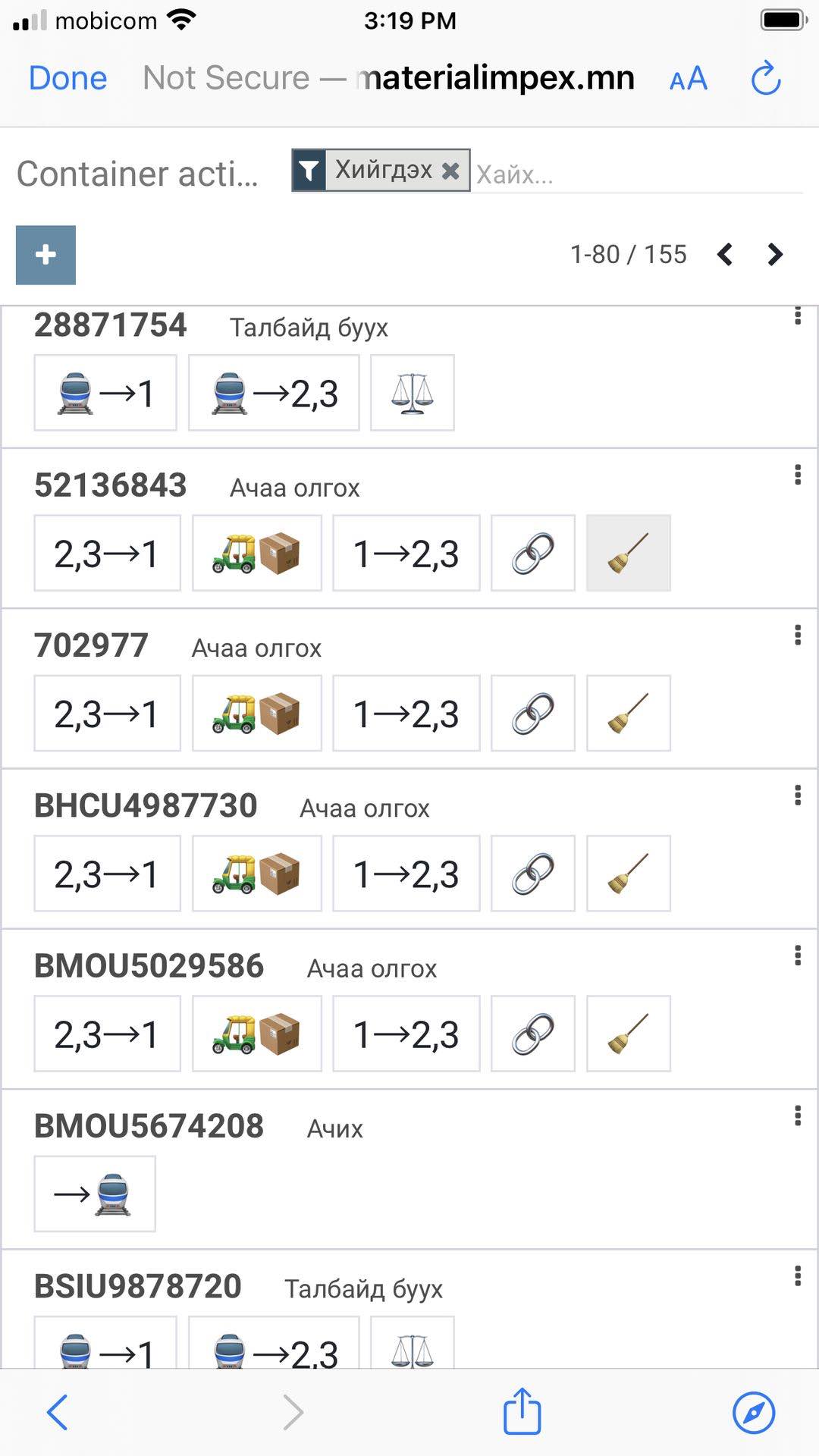
Input container tasks
Click on the corresponding task icon for each container.
Search container
Search by container number in the top right corner of the screen. If your container does not appear, try removing the current search criteria by clicking on the X.
Cancel tasks
Click on the three bullet button on the top right corner of the container rectangle. Click Cancel.